GemGpu documentation
Everything the studio does, explained — from your first import to a finished catalog set, seamless loop video, or shareable interactive viewer link.
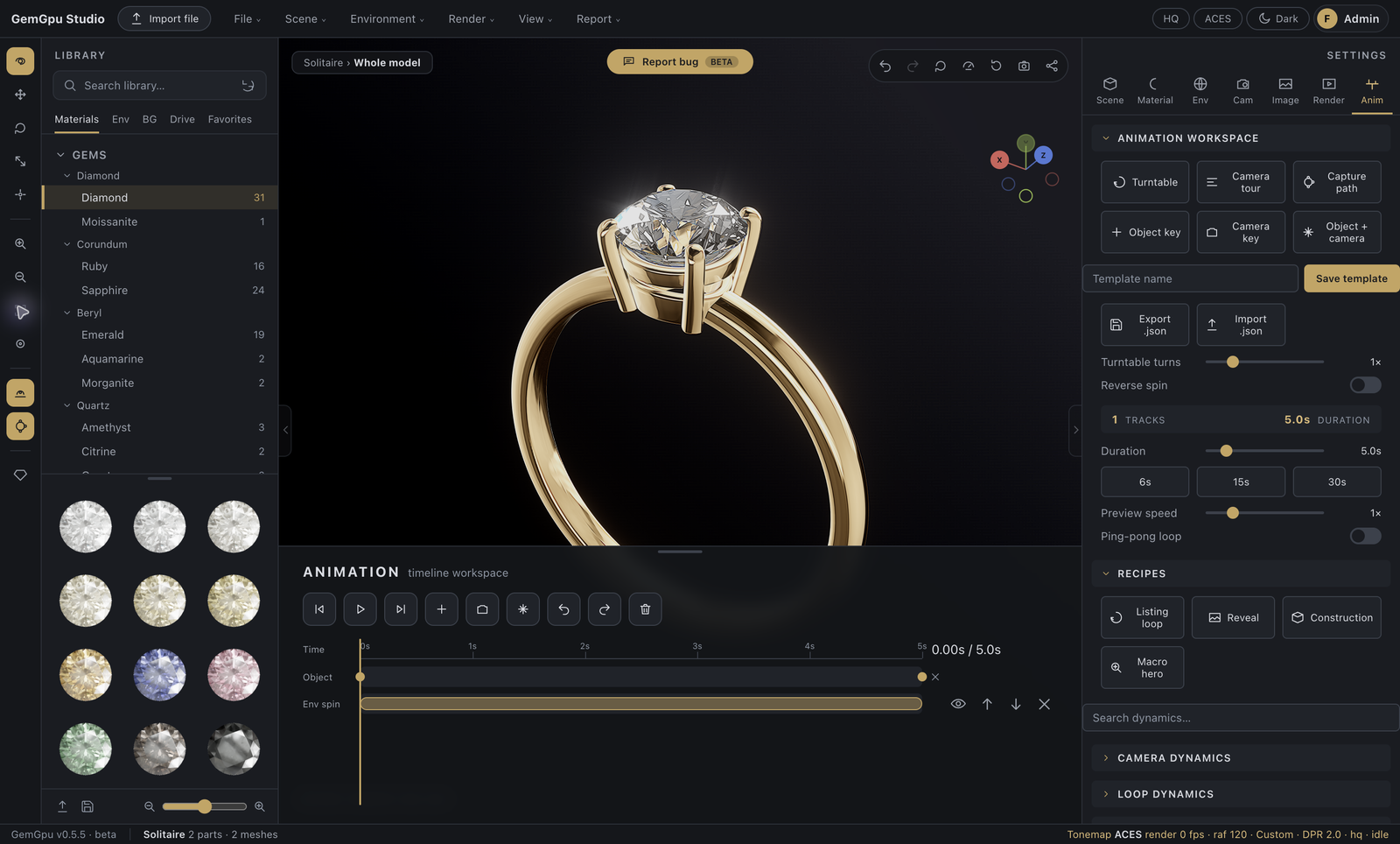
GemGpu is a real-time jewelry rendering studio that runs entirely in your browser. You bring the model — from Rhino, Matrix, ZBrush, or any tool that exports standard formats — and GemGpu handles the physically-accurate gems, metals, lighting, photography, and animation that make a piece sell.
Find your way
| I want to… | Read |
|---|---|
| Load my first model | Getting started |
| Understand the layout | The interface |
| Get my CAD file in | Importing models |
| Move, organize, and edit parts | Scene, parts & transforms |
| Make the diamond look right | Gem materials |
| Dial the gold | Metal & surface materials |
| Engrave a logo or text | Branding & engraving |
| Light the piece | Environment & lighting · HDRI Light Studio |
| Frame and save camera shots | Camera & views |
| Grade the image | Image & post effects |
| Animate it | Animation & dynamics |
| Export stills and video | Rendering & export |
| Save and organize my work | Drive & library |
| Send clients an interactive link | Sharing & the viewer |
| Connect Rhino live | Rhino Live Link |
What you need
GemGpu renders with WebGPU — the modern graphics layer in current Chrome and Edge on desktop (macOS, Windows, Linux). A recent browser and a GPU from the last several years is all it takes; there is nothing to install. If your browser can't provide WebGPU, the studio falls back to a compatibility mode with reduced quality and tells you so. See Troubleshooting.
An account is required to use the studio — it's what powers your cloud Drive, sharing, and working across machines. Sign up at gemgpu.com/studio.